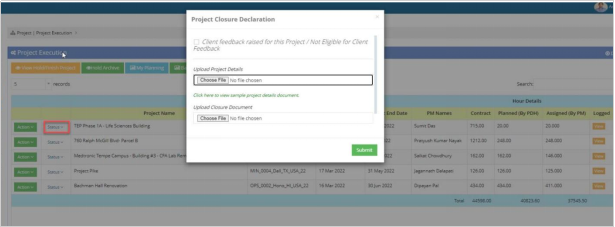
Project Closure Module & Re-estimate Date
Last updated: November 27, 2025
The PDH can adjust the project’s estimated end date when required and, upon completion, finish the project by uploading the necessary closure documents and ensuring client feedback is submitted.
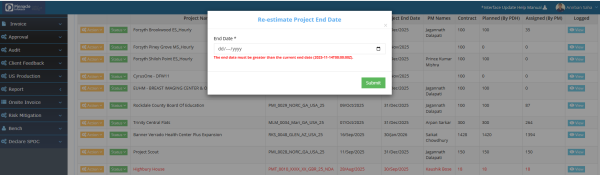
Re-estimate Date:
BPMS >Manage Project > Project Planning > Action Dropdown > Re-estimate Date
In the PDH account, the Re-estimate Date section allows the PDH to update the project's estimated end date when necessary.
Project Closure Module:
BPMS >Manage Project > Project Planning > Status Dropdown > Finish
Click on status drop-down and change the status of the Project. To Finish a Project, PDH has to upload “Project Closure” and “Project Details” document. Also, Client feedback should be raised by feedback team before finish any Project by PDH.