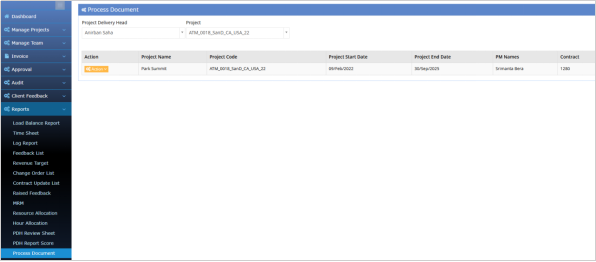
PDH Review sheet, PDH Report score & Process Document
Last updated: November 27, 2025
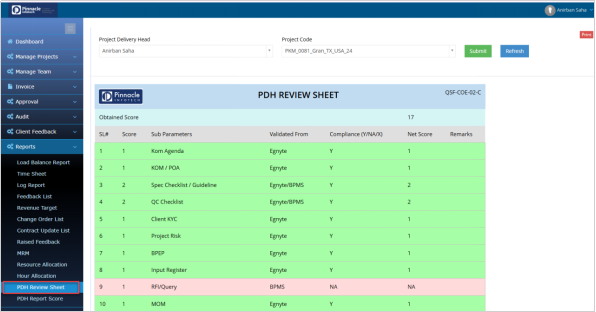
The PDH Review Sheet automatically evaluates project compliance by checking Egnyte and BPMS file availability based on COE rules, while the PDH Report Score provides the monthly average score with detailed parameter-wise breakdown, offering a complete view of PDH performance.
PDH Review sheet:
The System automatically checks the existence of Project files in Egnyte and BPMS and based on the rules set by COE and the score is generated for the respective Projects.
The score is freezed at the end of every month and only the running Projects are taken.
You can click the refresh button to sync the data with the server.
BPMS > PDH Account > Reports > PDH Review Sheet
PDH Report score:
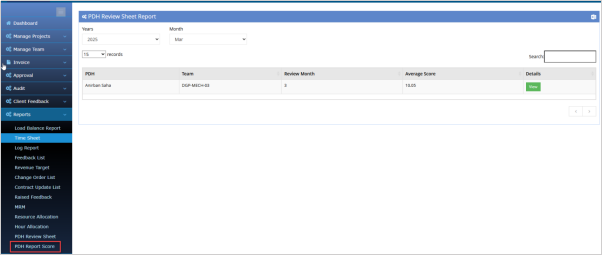
BPMS > PDH Account > Reports > PDH Report Score
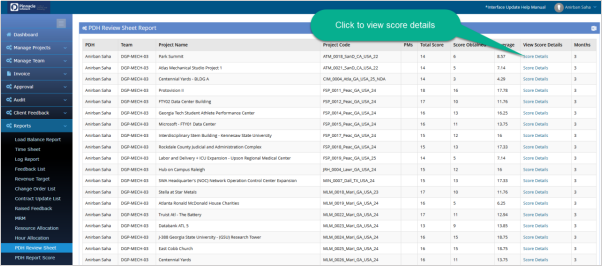
PDH can get the monthly average score from this option. To view the details of score click the “View” option that will redirect to the details page.
Click the “Score Details” option to view the score of all parameters obtained.
Process Document:
PDH Account > Reports > Process Document