Risk Mitigation Module
Last updated: November 27, 2025
Risk Mitigation module helps to add the resolution for the Negative emails sent by the Client to the Production. Using this module PDH can add the resolution and Functional Heads can verify and close the concern.
BPMS > PDH Account > Risk Mitigation
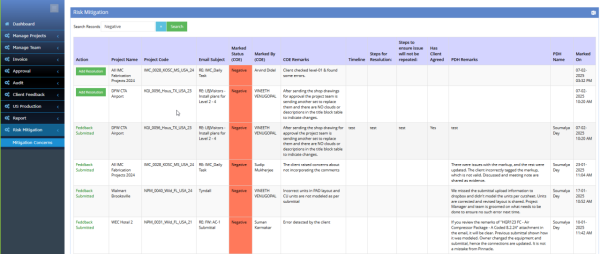
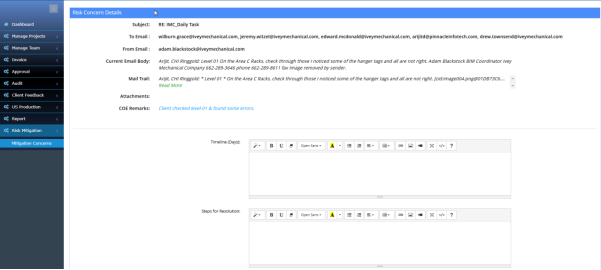
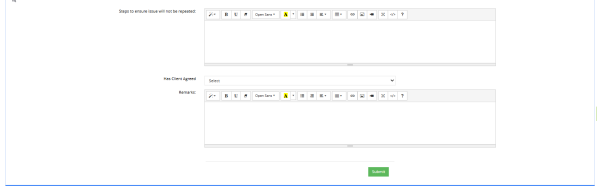
Whenever any Email marked as Negative by COE it will be available to the “Risk Mitigation” section. PDH have the option to “Add Resolution” with some fields like timeline, scope for resolution, Client agreed, Remarks etc.
BPMS > COE Account> Risk Mitigation
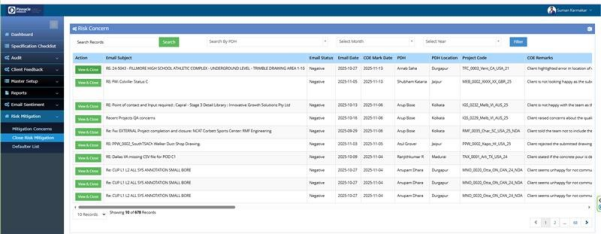
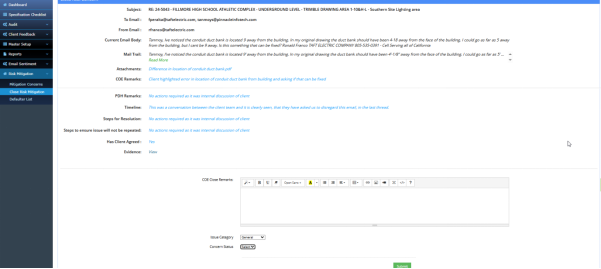
After PDH submit resolution, it will be submitted to the COE. COE can review that and put some remarks over there and Close the concern.