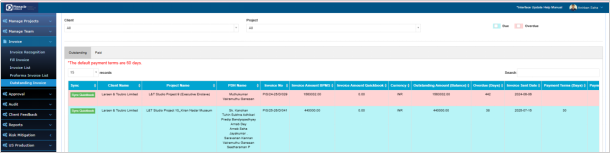
Invoice Module & Outstanding Invoice
Last updated: November 27, 2025
The Invoice Module enables PDH to submit project invoices for Accounts approval and track all raised invoices, while the Outstanding Invoice section provides a client-wise view of all pending invoices recorded by the Accounts team.
Invoice Module:
PDH Account > Invoice > Fill Invoice
Using this module PDH can fill invoice details for every Project.
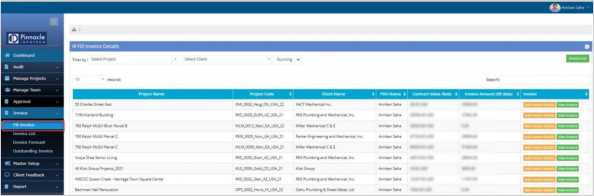
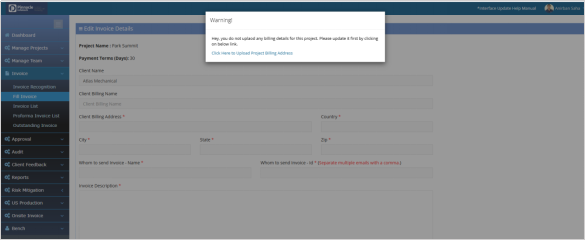
Click on “Add Invoice” and popup window will appear with all invoice related fields. The Invoice data will be submitted to Accounts department for approval. The approved Invoices will be considered as the Achieved revenue by PDH.
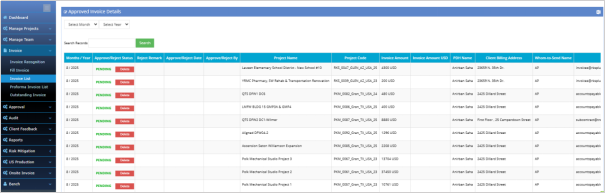
Click on “Invoice List “ to get all the invoices raised. Month wise filter is available to filter monthwise.
Outstanding Invoice:
PDH Account > Invoice > Outstanding Invoice
PDH can view the report of outstanding invoices client wise filled by Accounts.