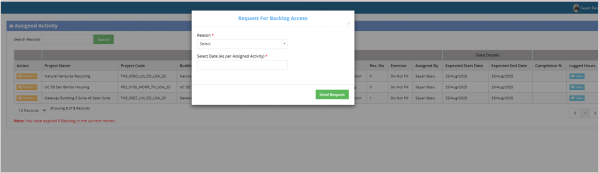
Backlog Request
Last updated: November 27, 2025
TM Account > Log Maintain > Work Assignment > Action Dropdown > Backlog Request
Clicking "Backlog Request" opens a form where the PM can apply for backlogs. The PM will need to select a reason for the backlog (such as delays, resource issues, or other causes) and specify the date for which the backlog is being requested. This feature ensures that any delays or uncompleted tasks are documented and managed.